I Reverse-Engineered My Smart Water Bottle Because the App Wanted $5/mo to Change an LED

The $5/mo LED
I bought a HidrateSpark smart water bottle. Cool hardware — capacitive sensor to measure water levels, glowing LEDs to remind you to drink. The app, however, is a different story.
Want to change the LED color on a bottle you already paid for? That's a "Pro" feature. Five dollars a month. To change a color.
So I reverse-engineered the Bluetooth protocol and built my own app.
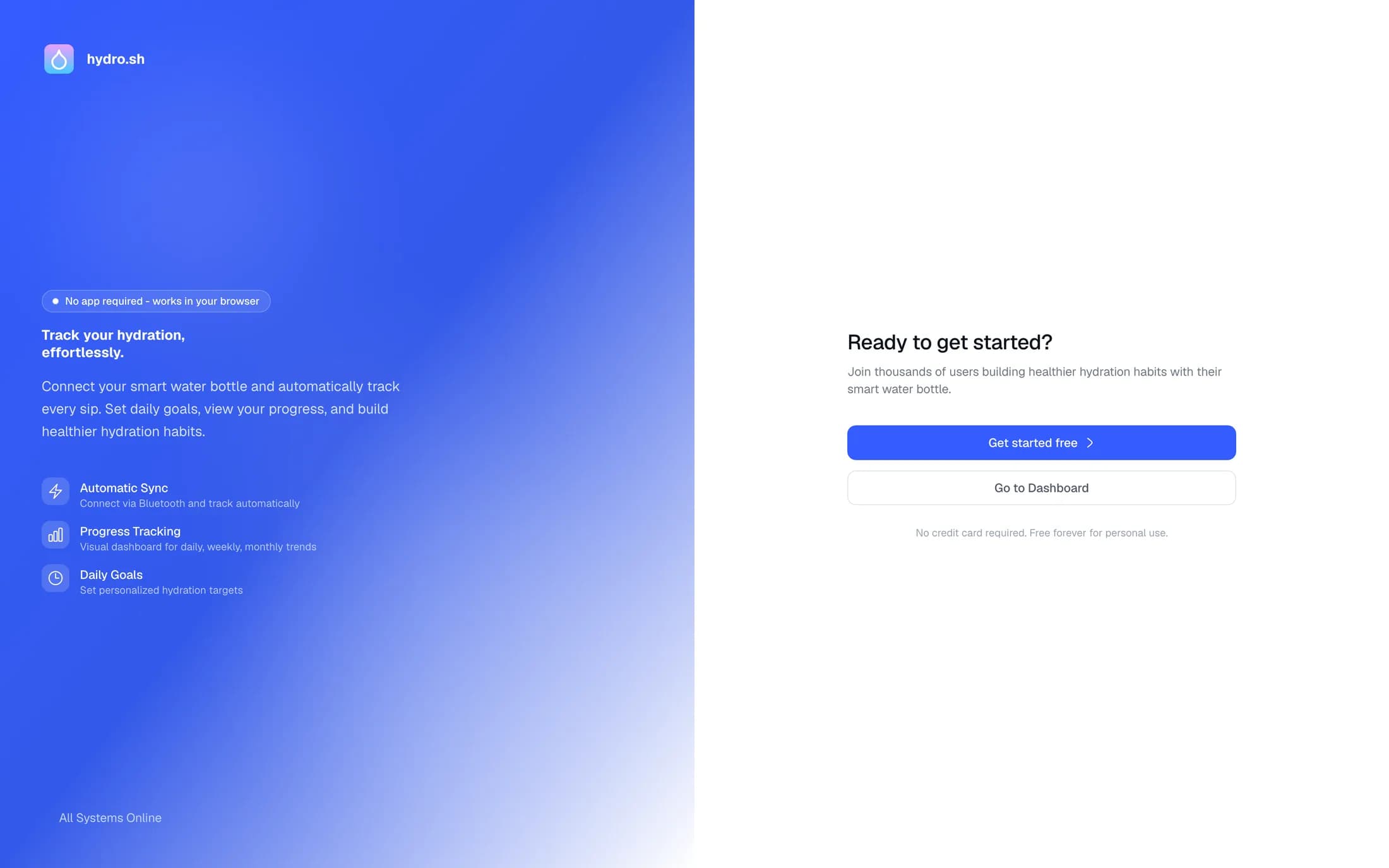
The result is hydro.alexcretu.com — a free, open-source alternative that runs entirely in your browser.
Sniffing the BLE Protocol
The HidrateSpark bottle communicates over Bluetooth Low Energy (BLE). Every BLE device exposes services and characteristics — think of them like API endpoints. The trick is figuring out which ones do what.
Finding the UUIDs
I started by decompiling the HidrateSpark Android app. The APK contains the service and characteristic UUIDs hardcoded in the source — the BLE equivalent of finding API keys in a config file.
Using apktool to extract the smali code:
$ java -jar apktool.jar d HidrateSpark.apk
$ grep -r "UUID" smali_classes4/hidratenow/com/hidrate/
This gave me the service UUIDs and the characteristic UUIDs for reading sip data, setting LED colors, and more. The LED color command turned out to be embarrassingly simple — a single write to one characteristic with an RGB value.
That's the feature they charge $5/month for.
Packet Analysis
For the trickier parts, I used a BLE sniffer to watch the actual packets flying between the phone and the bottle. This let me map out the full protocol:
- Sip data — the bottle reports water level changes as timestamped events
- LED control — direct RGB writes to a single characteristic
- Battery status — a read from another characteristic
- Bottle settings — reminder intervals, measurement units, etc.
The protocol itself isn't complex. HidrateSpark just gatekept basic functionality behind a subscription to squeeze recurring revenue out of hardware customers.
Building hydro.alexcretu.com
With the protocol decoded, I built a web app using the Web Bluetooth API, a browser-native API that lets websites connect directly to BLE devices. There's no app store and nothing to download, you open a URL and connect.
How It Works
- You visit hydro.alexcretu.com in Chrome
- Click connect — your browser scans for nearby HidrateSpark bottles
- The web app pairs directly with the bottle over BLE
- Full control: change LED colors, read sip history, adjust settings
That's the whole flow. There's no account, and nothing ever phones home to their servers.
Multi-Bottle Support
The app supports connecting to multiple bottles simultaneously. Each bottle gets its own connection instance with independent state. Useful if your household has more than one, or if you're the kind of person who has a desk bottle and a gym bottle.
The Tech Stack
- Web Bluetooth API for BLE communication
- Vanilla frontend, no framework
- Open source, on GitHub
The 80/20 of Vibe Coding
AI handled about 80% of the web app: layout, UI components, basic state management.
The other 20% was the hard part. BLE packet analysis, figuring out which bytes correspond to which commands, debugging timing issues between characteristic writes, understanding why a particular sequence works but a slight variation doesn't.
This is the part AI can't do yet: staring at hex dumps, cross-referencing decompiled smali, and trying things against a physical bottle until they work.
The Chrome Extension (Bonus)
Once I had the BLE communication figured out, I took it further. I built a Chrome extension that reads sip data from the bottle and makes your computer progressively unusable if you don't drink water:
- No sip in 30 minutes? Every 3rd word on any webpage becomes "water"
- Still not drinking? Websites start getting blurry
- Ignoring it? Text starts spinning
Take a sip and everything instantly snaps back to normal.
Your body becomes a dev dependency.
Prior Art
Shoutout to Evan Zhang's post on reversing the HidrateSpark bottle. His work on MITM-ing the API server and replacing the upstream was a major reference point. My project goes a different direction — instead of replacing the server, I cut it out entirely by talking to the bottle directly over Web Bluetooth. No server needed.
Try It
If you have a HidrateSpark bottle, the app is at hydro.alexcretu.com. Free, open source, works in any Chromium browser.